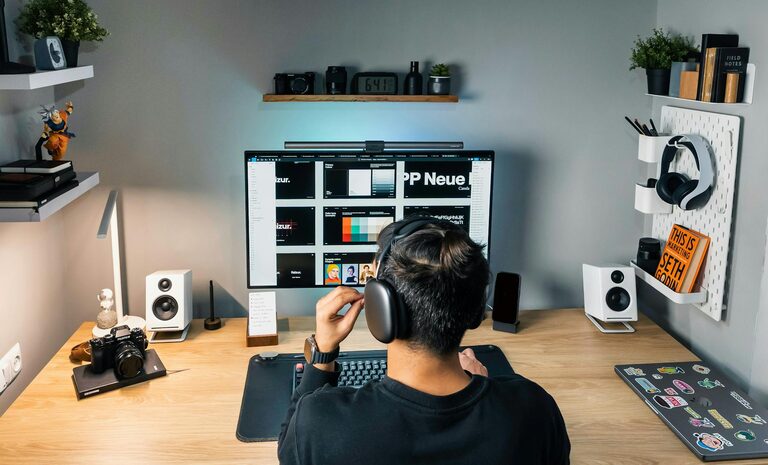
Creating a home office that is both organized and productive can significantly enhance your work-from-home experience. Whether you’re setting up a new workspace or improving an existing one, the right environment helps you stay focused, reduces stress, and makes work more enjoyable. Here are some practical tips to help you design a home office space that works for you.
1. Choose the Right Location
Consider natural light
Select a spot with plenty of natural light. Sunlight can boost your mood and energy levels during the day. Avoid glare on your computer screen by positioning your desk perpendicular to windows.
Minimize distractions
Pick a quiet area away from high-traffic zones in your home. If possible, use a separate room with a door to create boundaries between work and personal life.
2. Invest in Comfortable and Functional Furniture
Ergonomic chair and desk
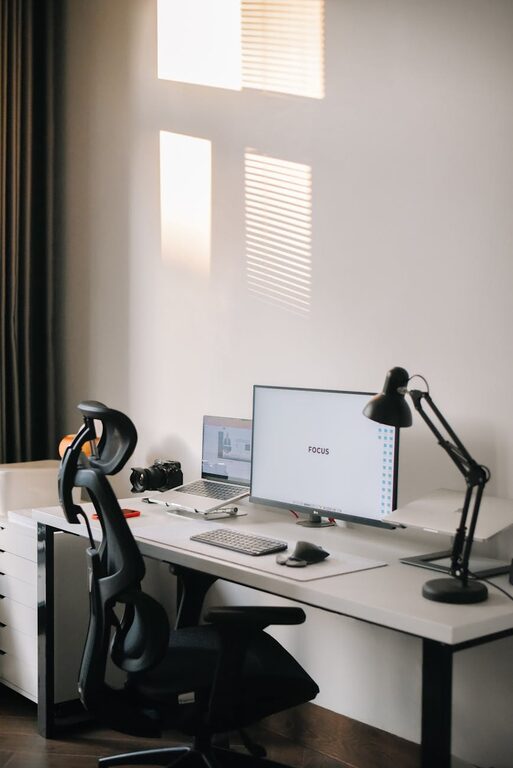
A comfortable chair that supports your posture is essential for long hours of work. Consider an adjustable desk that lets you alternate between sitting and standing.
Adequate desk space
Your desk should be large enough for your computer, notebooks, and other essentials, while leaving room to work comfortably.
3. Organize Your Workspace Efficiently
Declutter regularly
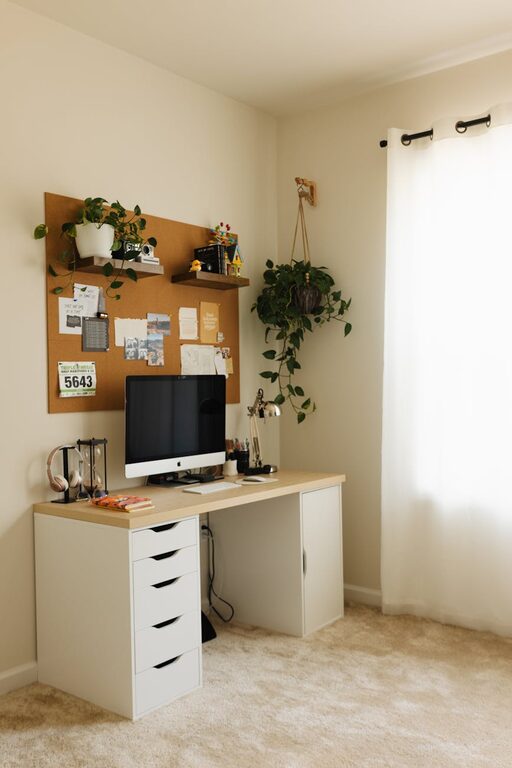
Keep only the items you use daily on your desk. Store less frequently used materials in drawers or shelves to avoid visual clutter.
Use storage solutions
Use desk organizers, filing cabinets, or shelves to keep papers, office supplies, and gadgets in order. Label storage containers to find items quickly.
Cable management
Avoid tangled cords by using cable clips, ties, or a cable management box. Neatly arranged cables improve safety and cleanliness.
4. Optimize Lighting for Eye Comfort
Combine natural and artificial lighting
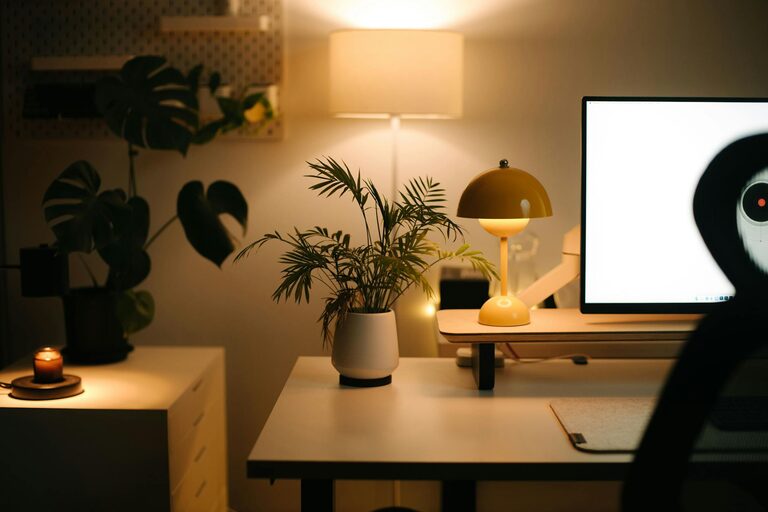
While natural light is best, supplement it with task lighting like desk lamps to prevent eye strain during early mornings or evenings.
Choose soft, adjustable lights
Use bulbs that offer adjustable brightness and color temperature to reduce glare and promote concentration.
5. Personalize Your Space Mindfully
Add plants
Small indoor plants can improve air quality and add a calming touch without taking up too much space.
Use inspiring decor
Incorporate artwork, vision boards, or motivational quotes that energize you without creating distractions.
6. Keep Technology Up to Date and Accessible
Reliable equipment
Invest in a good-quality computer, printer, and other tools needed for your tasks. Ensure your internet connection is stable for video meetings and file sharing.
Manage digital clutter
Organize your files and apps regularly. Use folders, cloud storage, and backup systems to keep data secure and easy to access.
7. Establish Clear Boundaries
Set work hours
Define a schedule and stick to it. This helps separate work time from personal time, preventing burnout.
Use visual cues
A closed door, a desk calendar, or a “Do Not Disturb” sign can signal to others when you’re working.
8. Incorporate Time Management Tools
Use planners or apps
Track tasks, deadlines, and appointments with planners, calendars, or productivity apps to stay organized and motivated.
Take regular breaks
Schedule short breaks during your workday to stretch, hydrate, and rest your eyes. This boosts overall productivity.
9. Maintain Cleanliness and Freshness
Daily tidying
Spend a few minutes at the end of each day tidying your workspace. Clean surfaces regularly to reduce dust and germs.
Fresh air
If possible, open windows to circulate fresh air or use an air purifier. A fresh environment helps you stay alert.
Conclusion
Designing an organized and productive home office space takes some thought, but the benefits are well worth it. By following these tips—choosing the right location, investing in comfortable furniture, organizing efficiently, optimizing lighting, and setting clear boundaries—you’ll create a workspace that supports your best work. Remember, the goal is to build an environment that helps you focus, feel comfortable, and stay energized throughout your day. Happy organizing!
About the Author