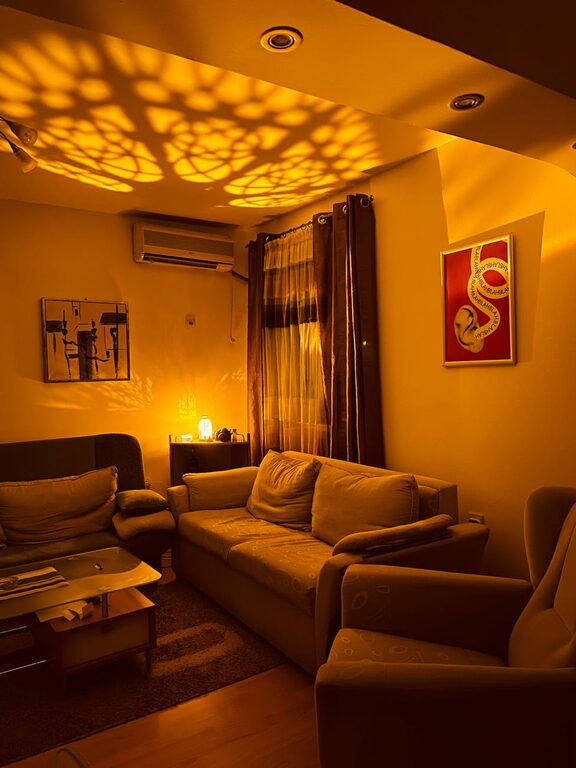
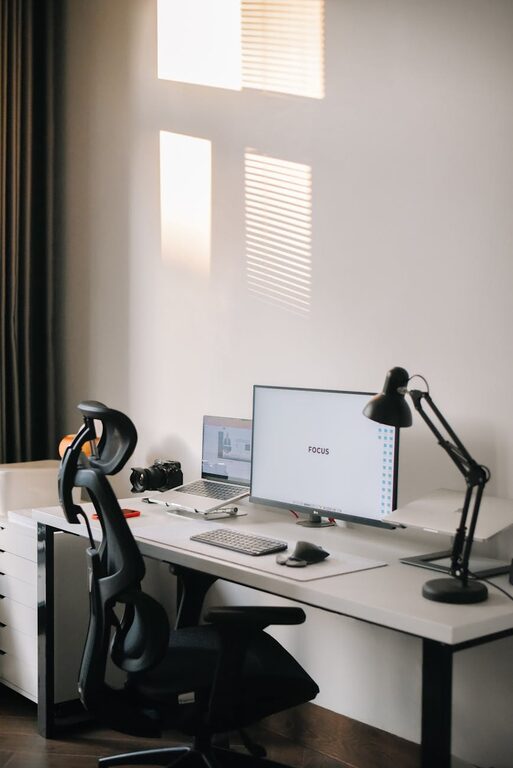
Creating an efficient and comfortable home workspace is essential for maintaining productivity and well-being when working remotely. Whether you’re setting up a dedicated room or a small corner in your living space, the right environment can make a big difference in how you feel and perform throughout the day. Here are some practical tips to help you design a home workspace that works for you.
Choose the Right Location
Finding the best spot for your workspace is the first step. Consider the following:
– Natural light: Pick a location near a window if possible. Natural light can improve your mood and reduce eye strain.
– Quiet area: Choose a space away from household noise and distractions.
– Adequate space: Make sure there’s enough room for your desk, chair, and any necessary equipment.
Remember, even a small corner can be transformed into a productive workspace with thoughtful planning.
Invest in Comfortable and Ergonomic Furniture
Your furniture plays a key role in comfort and health during long work hours.
– Ergonomic chair: Choose a chair that supports your lower back and allows you to sit with feet flat on the floor.
– Appropriate desk height: Your desk should allow your elbows to be at a 90-degree angle when typing.
– Consider adjustable options: Height-adjustable desks or chairs can help you find the best posture and allow for standing breaks.
Proper ergonomics reduce the risk of discomfort and injury and can increase your focus.
Organize Your Workspace Efficiently
A cluttered workspace can distract and stress you out. Here’s how to keep things organized:
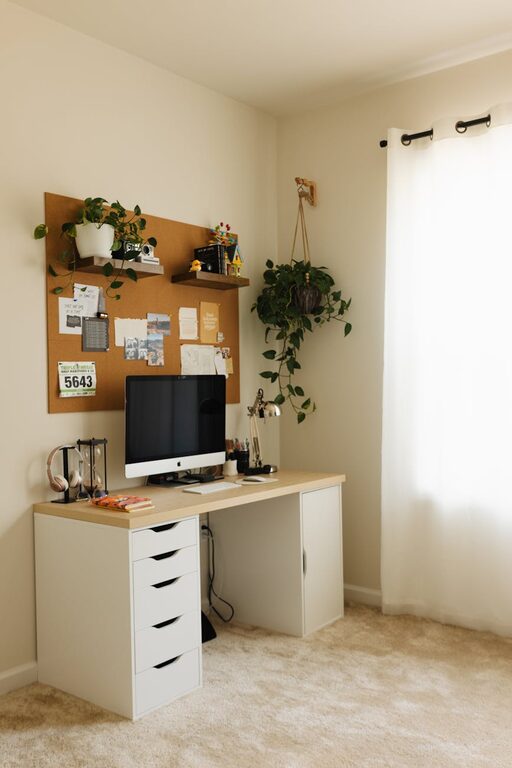
– Use storage solutions: Shelves, drawers, and organizers help keep supplies within reach but out of the way.
– Cable management: Use clips, sleeves, or ties to keep cords neat and prevent tangling.
– Minimalist approach: Keep only essential items on your desk to reduce distractions.
Spending a few minutes each day tidying up can help maintain a productive atmosphere.
Optimize Lighting
Good lighting is crucial for reducing eye strain and improving focus.
– Natural light first: Maximize daylight but avoid glare on screens by positioning your desk at an angle to the window.
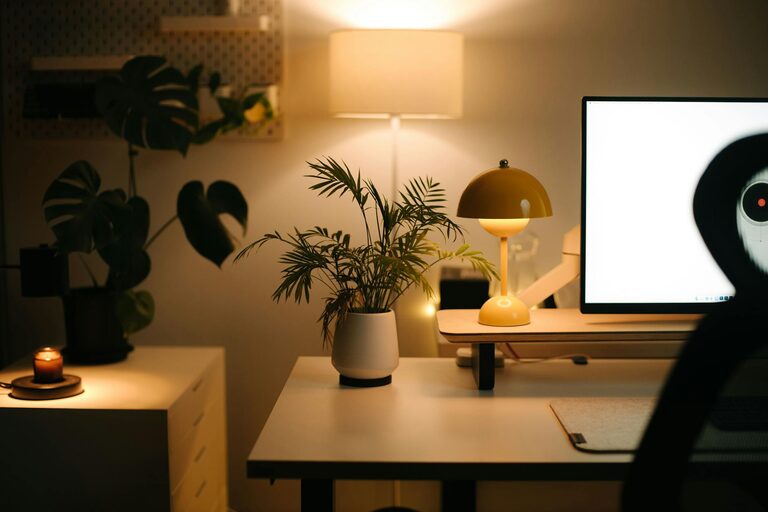
– Task lighting: Use adjustable desk lamps to brighten your work area as needed.
– Avoid harsh overhead lights: Consider softer, diffused light sources to prevent headaches and fatigue.
Adjust your lighting according to time of day and tasks to create a comfortable environment.
Personalize Your Workspace
Adding personal touches can make your workspace more inviting and motivating.
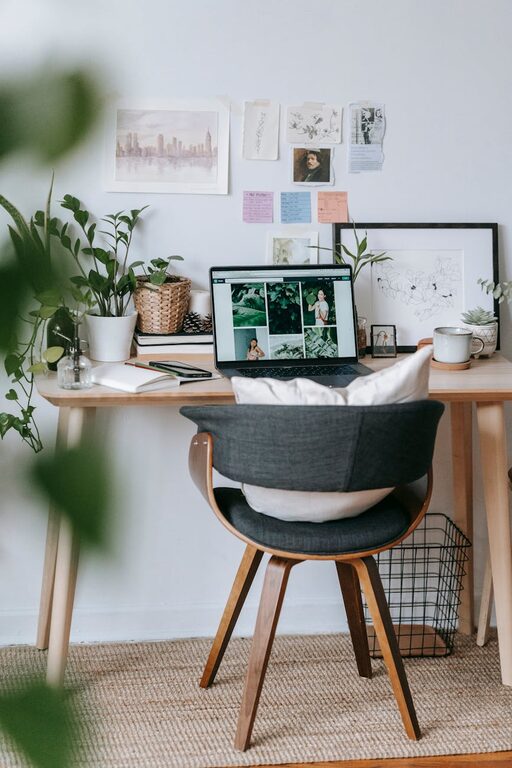
– Plants: A few small indoor plants can improve air quality and create a calming atmosphere.
– Artwork or photos: Choose images that inspire or relax you.
– Color and decor: Use colors that boost your energy or creativity, but keep it balanced to avoid overstimulation.
Personalization helps make your workspace your own and can enhance your overall mood.
Set Boundaries and Establish a Routine
Creating an efficient workspace isn’t just about the physical setup. Your habits matter too.
– Set work hours: Define when your workday starts and ends to maintain balance.
– Take breaks: Stand up, stretch, and rest your eyes regularly to boost focus and health.
– Limit distractions: Use noise-cancelling headphones or set “do not disturb” times if needed.
Establishing clear boundaries helps separate work time from home life, improving efficiency and comfort.
Make Technology Work for You
Ensure your tech setup supports your work smoothly.
– Reliable internet connection: A strong connection avoids interruptions during meetings or downloads.
– Proper monitor setup: Use a monitor that’s the right size and place it at eye level to prevent neck strain.
– Accessories: Consider using an external keyboard, mouse, or headset to improve comfort and productivity.
Keeping your technology organized and functional saves time and reduces frustration.
Maintain Good Air Quality and Temperature
A comfortable environment includes clean air and a pleasant temperature.
– Ventilation: Open windows occasionally or use air purifiers to keep the air fresh.
– Temperature control: Use fans or heaters as needed to stay comfortable throughout the day.
– Humidity: A small humidifier can help maintain optimal humidity levels, especially in dry climates.
Physical comfort boosts concentration and wellbeing during work.
—
By following these tips, you can create a home workspace that supports both your efficiency and comfort. The investment in a thoughtful setup will pay off in your daily productivity and overall happiness with working from home. Happy creating!
About the Author