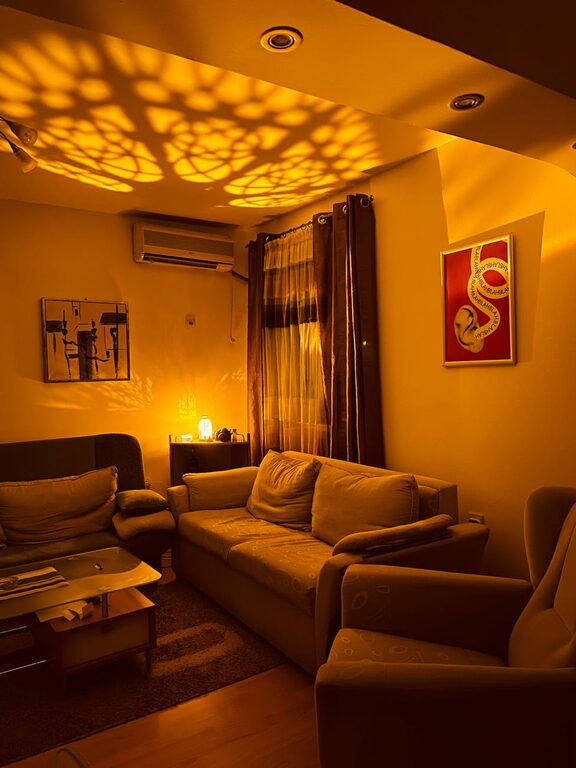
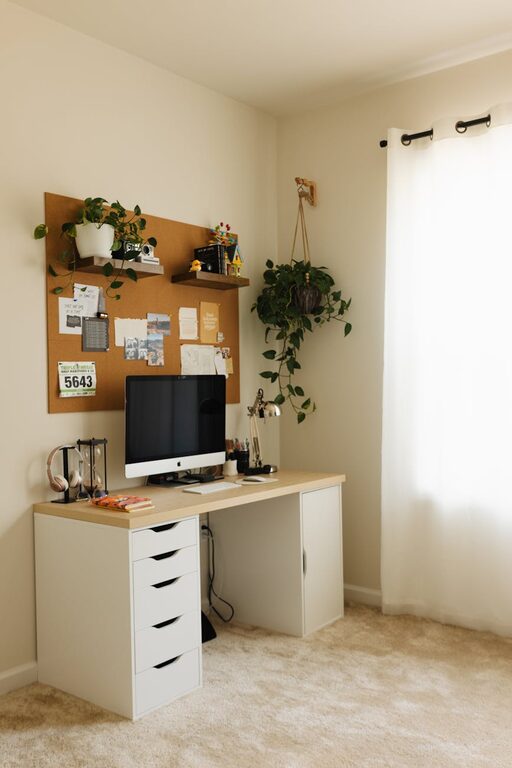
Creating a home office space that is both cozy and productive can greatly improve your work-from-home experience. Whether you’re setting up a dedicated room or a small corner, thoughtful planning can help you feel comfortable while maintaining focus and efficiency. This guide shares practical tips on designing a home office that supports your work habits and personal style.
Why a Cozy and Productive Space Matters
Your environment directly impacts how well you work. A cozy space feels welcoming and reduces stress, while a productive setup supports concentration and helps you stay organized. Combining these elements leads to a happier and more effective workday.
Choose the Right Location
Opt for Natural Light
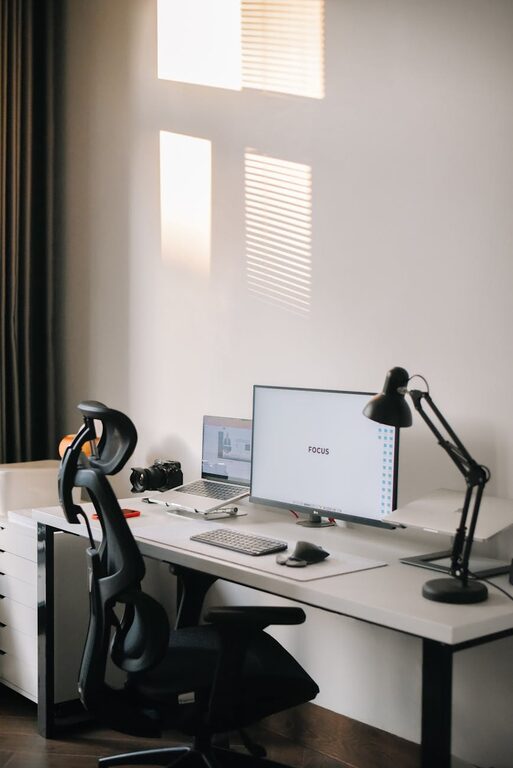
Whenever possible, position your desk near a window to benefit from natural light. Sunlight boosts mood and energy, which can enhance productivity. If natural light is limited, invest in quality artificial lighting that’s bright but not harsh.
Minimize Distractions
Select a quiet area away from high-traffic zones. Minimizing noise and interruptions helps you focus better. If total silence isn’t possible, use noise-cancelling headphones or white noise machines.
Invest in Comfortable Furniture
Ergonomic Chair
Comfort starts with supportive seating. Choose an ergonomic chair that supports your back and encourages good posture. Adjustable height and lumbar support can prevent aches during long work hours.
Functional Desk
Your desk should accommodate your work needs without feeling cramped. Consider desks with storage options like drawers or shelves to keep supplies organized. If space is tight, a wall-mounted or foldable desk can be a smart solution.
Organize for Efficiency
Keep Essentials Accessible
Place frequently used items such as pens, notebooks, and chargers within easy reach. Use desk organizers, trays, or containers to keep these tidy and visible.
Declutter Regularly
A clean workspace reduces stress and distractions. Set aside a few minutes at the end of each day to clear unnecessary items, file papers, and prepare for the next day.
Use Digital Tools
Incorporate digital organization tools like calendars, task management apps, and note-taking software. These reduce the need for excessive paper and help keep track of priorities.
Incorporate Cozy Touches
Soft Textiles
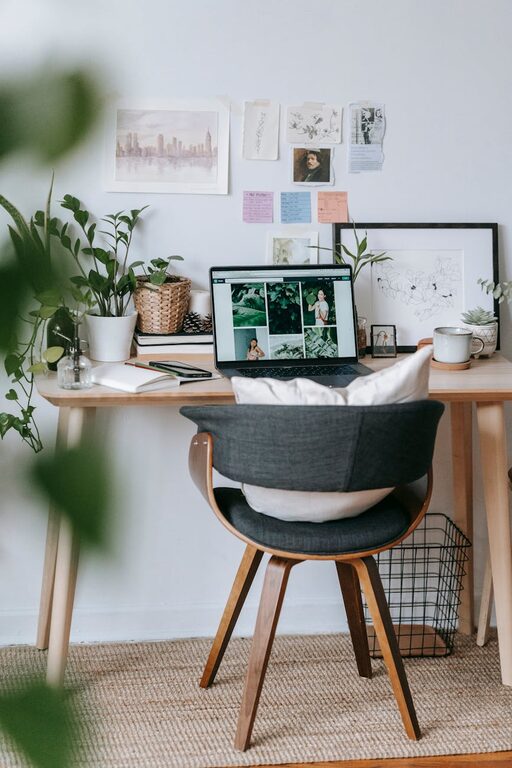
Add warmth and comfort with a plush rug, cushions, or a cozy throw blanket. These textile elements can soften the space and make long hours more pleasant.
Personal Decor
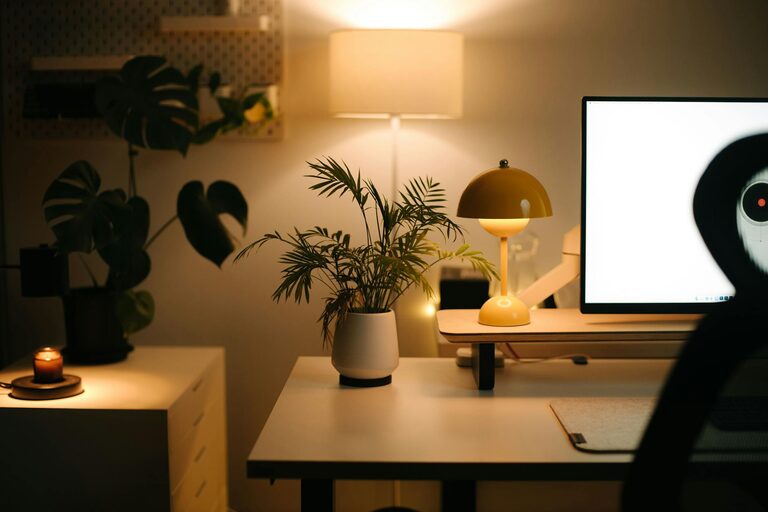
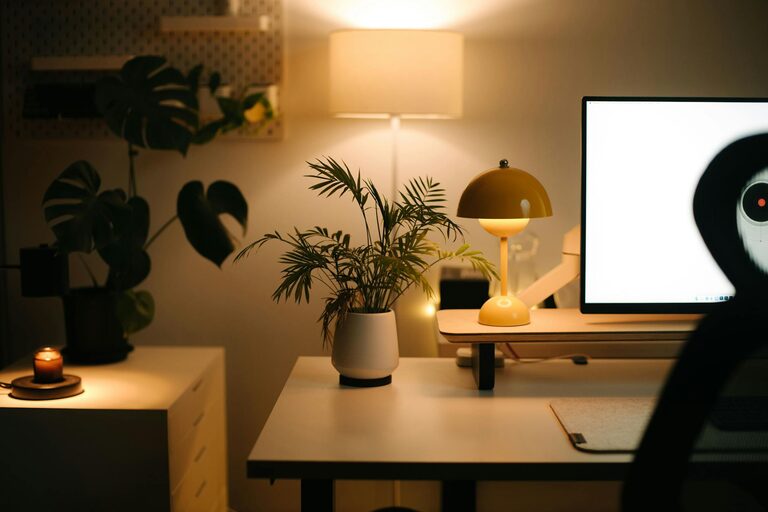
Incorporate artwork, plants, or personal photos to make the space uniquely yours. Greenery not only adds color but can help improve air quality and mood.
Pleasant Scents
Scent plays a subtle role in comfort. Use candles, essential oil diffusers, or air fresheners with mild fragrances like lavender or citrus to create a calming atmosphere.
Maintain Good Lighting
Layered Lighting
Combine ambient lighting, task lighting (such as a desk lamp), and accent lights to create a balanced environment. Adjustable lamps help reduce eye strain during focused tasks.
Avoid Screen Glare
Position your computer monitor perpendicular to windows or light sources to prevent glare. Adjust monitor brightness and contrast settings for comfortable viewing.
Establish a Routine-Friendly Setup
Define Your Work Zone
Even if you’re working in a shared space, define your home office boundaries clearly. This helps your brain associate the area with work, improving focus and making it easier to “switch off” after hours.
Keep a Daily Planner
Having a calendar or planner on your desk promotes time management and keeps important deadlines visible. It supports a structured workday without feeling overwhelming.
Maintain Proper Ventilation and Temperature
Comfort includes fresh air and a comfortable temperature. Open windows when possible or use fans to improve airflow. Adjust heating or cooling devices to maintain a consistent temperature, helping you stay alert and comfortable all day.
Technology Essentials
Reliable Internet
A strong, stable internet connection is critical for remote work. If your Wi-Fi signal is weak, consider using a wired connection or signal boosters.
Quality Equipment
Invest in a good headset, webcam, and microphone for virtual meetings. A large or dual monitor setup can increase efficiency if your work involves multiple applications or documents.
Final Thoughts
Creating a cozy and productive home office is about balance—comfort supports wellbeing, while a well-organized space encourages focus. Start small by improving lighting, adding a few personal touches, or upgrading your chair. Over time, these changes add up to a workspace that motivates you and feels like your own. Whether you work full-time from home or need a spot for occasional tasks, a well-designed office can enhance your productivity and enjoyment.
About the Author